
Financial management
Manage general ledger, receivables, payables, bank reconciliation, fixed assets, budgets and dimensions. Define posting rules and period-close responsibilities.
Find the right technology, specialist team, or service for your business.
ERP, CRM & business platforms
Modern workplace and intelligent platforms
Explore all Microsoft services ↗Intelligent execution at scale
Resilient, secure enterprise operations
Leadership and strategic delivery
Connect your finance, inventory, sales and operations in one ERP. ANSI Technologies helps growing businesses move from disconnected systems to a controlled, scalable operating platform.
Business Central consulting, licensing, implementation, NAV migration, integration and ongoing support across Dubai, the UAE and India.
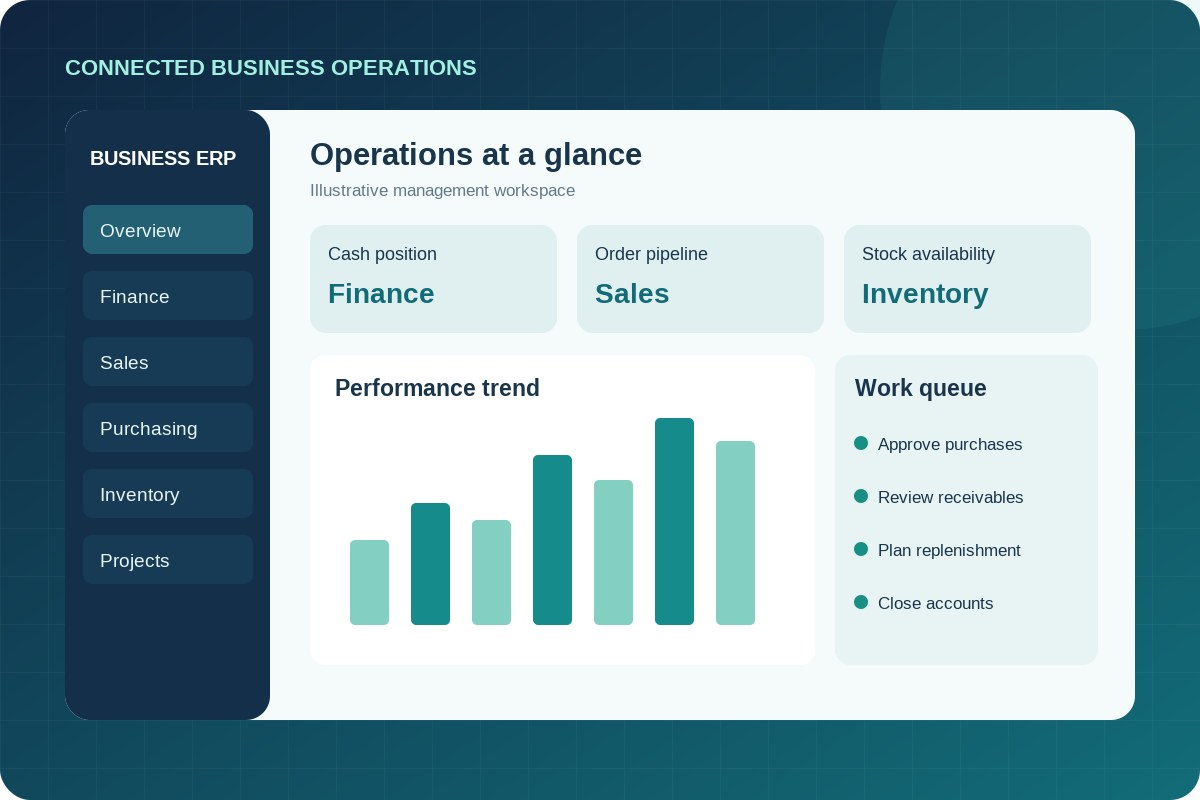
When finance reconciles spreadsheets, sales promises stock that operations cannot see, and purchasing relies on manual follow-ups, growth creates avoidable complexity. Business Central offers a common transaction foundation so teams can work from consistent records.
We design the system around your chart of accounts, warehouses, approval limits, reporting dimensions and business processes. Instead of reproducing every legacy workaround, we identify which standard workflows can replace manual effort and which extensions genuinely add value.
Explore the wider Dynamics 365 ERP and CRM portfolio →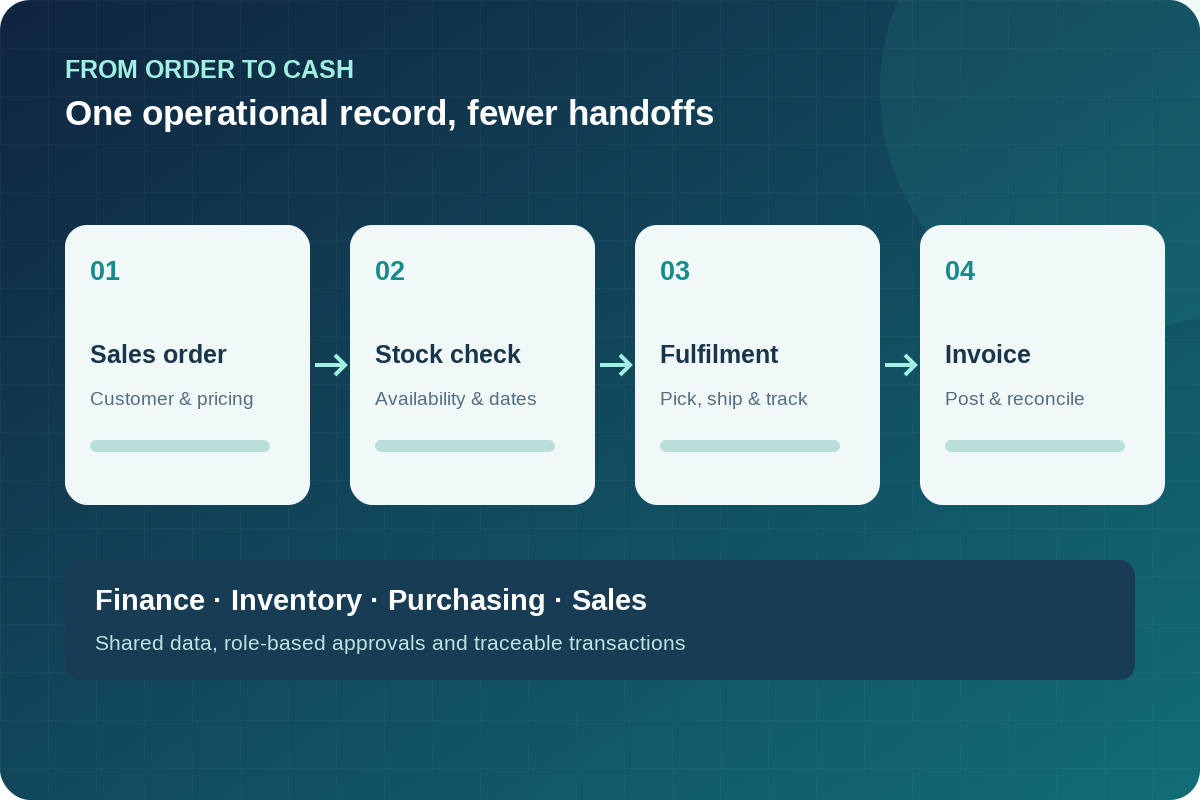
Configure the capabilities your business needs today, with a roadmap for future processes.
Manage general ledger, receivables, payables, bank reconciliation, fixed assets, budgets and dimensions. Define posting rules and period-close responsibilities.
Create quotations and orders, apply customer pricing, monitor fulfillment and invoice accurately. Connect customer records to finance and inventory.
Control purchase orders, receipts, vendor invoices and approval limits. Track commitments and analyze supplier performance.
Manage items, locations, bins where appropriate, replenishment and item tracking. Reconcile stock movements and inventory valuation.
Plan project budgets, track resource consumption and costs, and compare billing with project performance.
Configure production bills of material, routings, work centers and production orders; validate planning and capacity requirements.
Manage service items, contracts, service orders and dispatch planning for after-sales operations.
Build management views around cash flow, receivables, stock, sales margins and operational KPIs; integrate Power BI where needed.
Align permissions, approval workflows, audit requirements and segregation of duties with finance and operational ownership.
We start with actual transactions and exceptions, not a generic industry template.
Manage purchase-to-stock and order-to-cash, landed cost requirements, replenishment and multi-location inventory visibility.
Assess make-to-stock or make-to-order processes, production costing, material planning and subcontracting requirements using Premium where appropriate.
Connect purchasing, stock and finance to POS or e-commerce platforms through scoped integrations; assess returns and settlement reconciliation.
Use project budgets, resource costs, billing milestones and profitability reporting to improve control over engagements.
Model multi-currency transactions, supplier payments, freight allocation, customs-related data and inventory ownership.
Set up legal entities, reporting dimensions, intercompany processes and consolidation requirements with clear local responsibilities.
We map job responsibilities to entitlements before quoting licenses. Manufacturing and service management requirements can change the edition decision; limited access is not a substitute for a full operational user.
For users responsible for accounting, purchasing, sales, stock, warehouse and project processes.
Includes the Essentials capabilities plus manufacturing and service management for more complex operations.
For eligible light users who need reading, approvals or permitted updates under Microsoft use rights.
| Capability | Essentials | Premium | Team Members |
|---|---|---|---|
| Core finance and operations | Included | Included | Limited rights |
| Manufacturing | Not included | Included | Limited rights only |
| Service management | Not included | Included | Limited rights only |
Licenses, country pricing, taxes, commitment terms, extensions and additional services are confirmed in a written quote. See Microsoft's official Business Central pricing and licensing guidance.
Request licensing and implementation pricing ↗Each stage has an agreed output and a business owner. Scope, acceptance criteria and exclusions are documented before delivery.
Process workshops, current-system inventory, user roles, entity structure, integrations and prioritized gaps. Output: requirements and scope baseline.
Design posting groups, dimensions, master data, permissions, workflows and extension strategy. Output: approved solution design.
Configure standard features first, then build approved AL extensions and integrations in controlled environments. Output: configured test solution.
Clean and map data, load trial datasets, validate inventory and opening balances, and agree historical data retention. Output: reconciliation evidence.
Run end-to-end process scenarios, permission checks and user acceptance tests. Provide role-based training and operating instructions. Output: signed readiness criteria.
Execute approved cutover, verify critical transactions and triage issues. Transition to agreed support coverage. Output: handover and support plan.
Whether moving from Dynamics NAV, Tally, QuickBooks, another ERP or Excel, migration must be treated as a business reconciliation exercise.
Identify accessible master data, open invoices, stock balances, fixed assets and customizations. Assess NAV upgrade paths and extension compatibility.
Agree which history is migrated and which remains in a searchable archive. Prepare mapping, cleansing and sample imports before final cutover.
Reconcile trial balance, receivables, payables and inventory valuation to approved source reports. Agree ownership of exceptions before release.
For organizations in Dubai, Abu Dhabi, Sharjah, Ajman and across the Emirates, we assess AED and foreign-currency processes, VAT reporting, tax invoices, legal entities, and local invoicing requirements. Business Central UAE localization is partner-led; applicable localization apps and e-invoicing provider connections are validated during design.
UAE: +971 52 808 9931 · WhatsApp UAE
For teams across Bengaluru, Mumbai, Delhi NCR and other Indian business centers, we assess INR transactions, GST registrations, tax reporting, and applicable e-invoicing and e-way bill requirements. Microsoft's India localization provides a starting point; integrations and specific compliance scenarios are verified with your finance advisers.
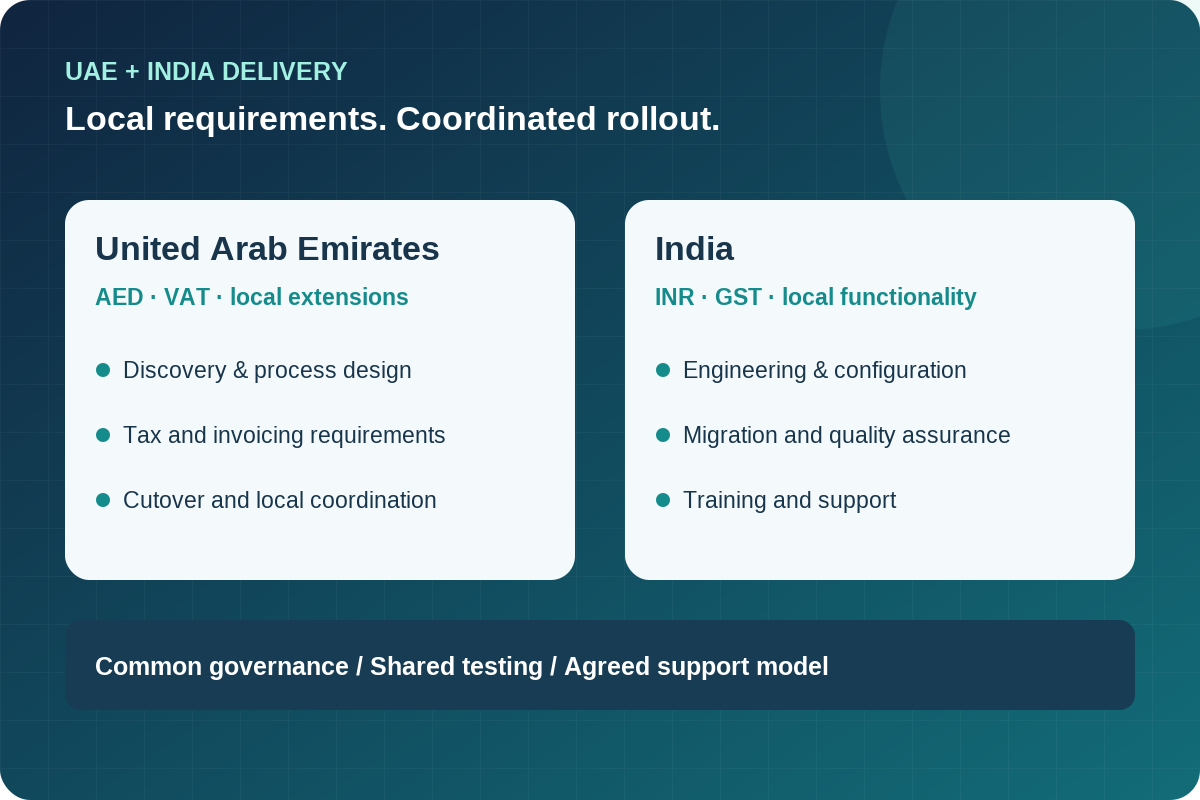
Our hybrid delivery model combines stakeholder discovery and governance with scalable engineering, configuration and QA. On-site participation, coverage hours and contractual responsibilities are agreed per engagement. See Microsoft's localization strategy and India local functionality.
We define data ownership, authentication, error handling and monitoring for every integration.
Enable appropriate Outlook and Excel workflows and reduce duplicate entry. Explore Microsoft 365 services →
Develop finance and operations datasets with controlled refresh and access. Explore Power BI →
Design notifications and approvals where suitable, with exception handling. Explore automation →
Assess eligible Business Central AI features, data readiness and human review. Explore Microsoft Copilot →
Scope APIs and supported connectors for e-commerce, POS, banking, logistics or external CRM; confirm licensing and reliability.
Configure role-based access, identity controls and administrative ownership. Explore Microsoft security →
A stable ERP requires an agreed operating model beyond implementation.
Investigate process and posting issues, guide users, and manage approved configuration changes.
Monitor integrations, assess extension issues, coordinate fixes and test changes before production release.
Review adoption, reporting gaps, release impact and improvement backlog with agreed service levels and ownership.
Business Central is often a strong fit for growing businesses that need integrated finance and operations with manageable complexity. Dynamics 365 Finance and Supply Chain Management may be more appropriate when advanced global finance, complex manufacturing, large-scale warehouse operations or enterprise governance drive the design.
We compare actual transaction volumes, entities, reporting, integration and operational complexity before recommending a platform. A cheaper license is not necessarily the better ERP decision.
Compare Dynamics 365 solutions with ANSI →Business Central is an ERP application for small and midsize organizations. It brings accounting, purchasing, sales, inventory, projects and operational reporting together. Premium adds manufacturing and service management.
Essentials covers core financial and operational processes. Premium extends that foundation with production and service management. We validate the edition against your operating model and Microsoft licensing terms.
Yes, subject to access and data quality. We assess the source, map masters and open transactions, reconcile balances, rehearse migration and agree how historical data will be retained.
UAE localization is partner-led. VAT reporting, invoice formats and e-invoicing integration must be assessed against the chosen localization app and applicable rules. Where required, an accredited service provider integration is scoped separately.
Microsoft provides India local functionality including GST. We validate tax registration, transaction scenarios, e-invoicing and e-way bill requirements, and identify any additional integrations before rollout.
The budget depends on users, legal entities, process complexity, data migration, extensions, integrations and support. ANSI separates subscription costs, one-time delivery and recurring support in a scoped proposal.
A focused deployment may be delivered in weeks, while multi-company or manufacturing programs can take several months. We commit to a schedule only after discovery and dependency review.
Yes. We assess reporting datasets, permissions, refresh schedules and supported integrations with Outlook, Excel, Power BI and Power Automate. Additional licensing may apply.
Microsoft includes Business Central Copilot capabilities in eligible Essentials and Premium subscriptions. Specific features, language availability, agent usage and additional charges depend on current terms and configuration.
Yes. We can scope functional and technical support, incident triage, extension maintenance, release testing and continuous improvements. Response targets and coverage hours are agreed in the service contract.
Tell us your current ERP, number of users, legal entities, warehouses, manufacturing or service requirements, and target go-live. We can prepare a fit-gap discussion, licensing recommendation and scoped delivery proposal.